Sync your Calendars and never be double booked again
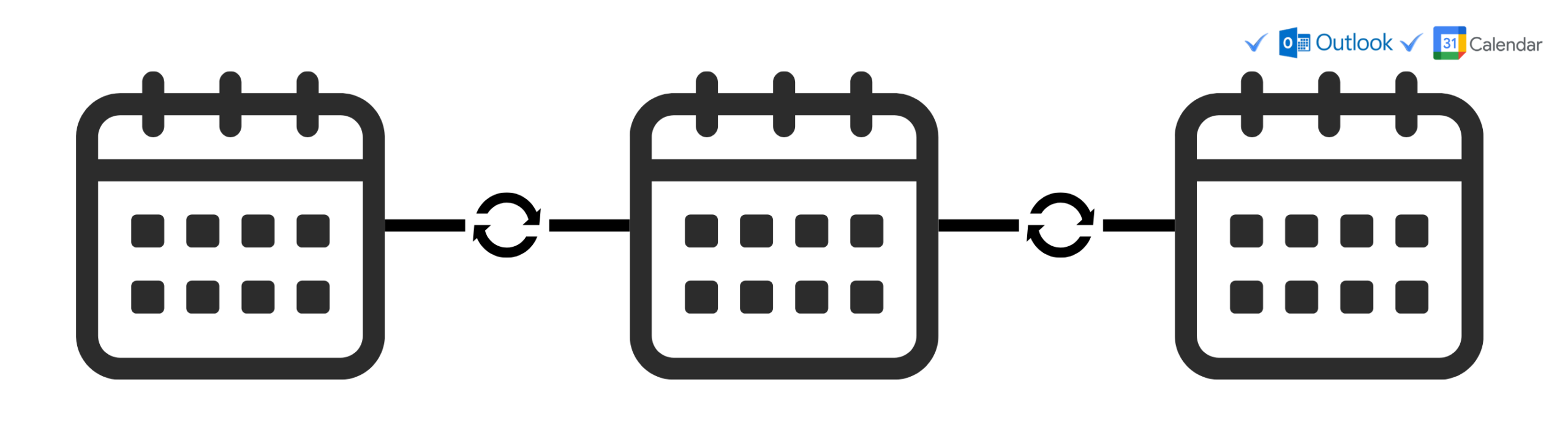
Works with Google and Outlook calendars for a Google to Google, Outlook to Outlook or Google to Outlook sync.
How it works
Step 1
Select and authorize your calendars
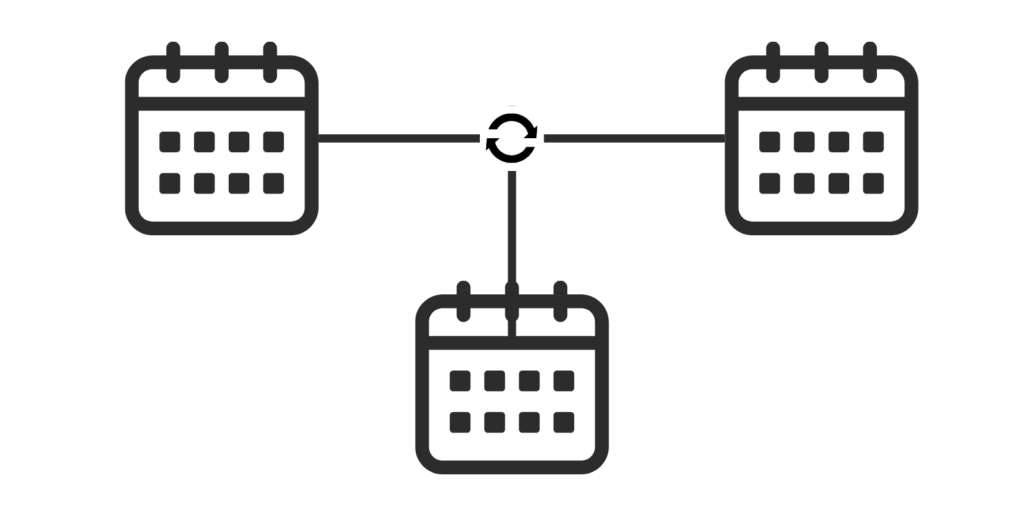
Select your Google/Outlook Calendars and authorize access. Once an event is made in one of them, it will appear on all of the authorized calendars.
Step 2
Select event privacy
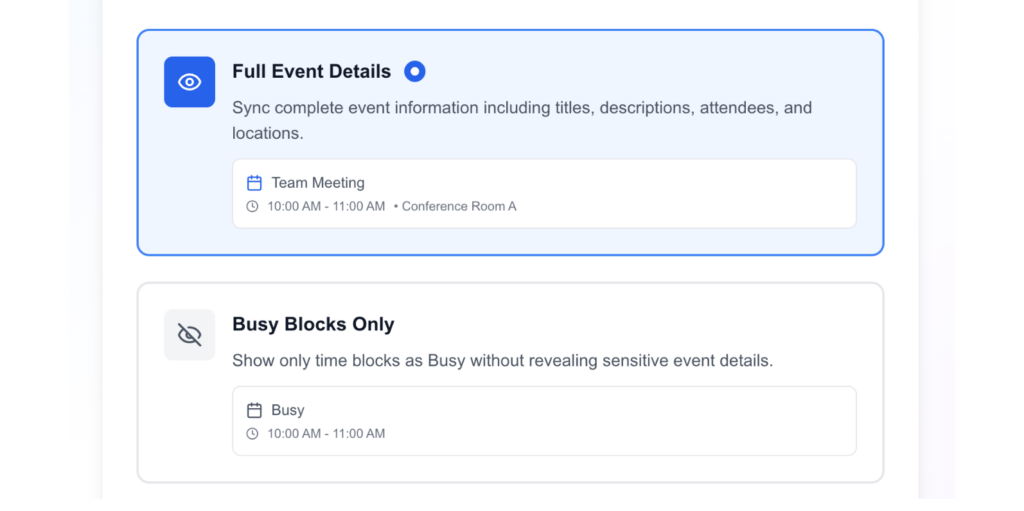
Do you want to show the full details of the event or keep it private? You can customize this to ensure your calendar stays private and practical for your needs.
Step 3
Instant sync
The app will instantly synchronize all of your events with your prefered privacy settings across all of your calendars.